






Some manufacturing projects are subject to U.S. export control regulations and require additional review before they can be processed.
This article explains:
- Which classifications Fictiv supports
- Which classifications Fictiv does not support
- When to use the Export-Controlled Project Request Form
- What to expect after submission
If you are unsure how your project is classified, contact your Fictiv sales representative before uploading any files.
Fictiv’s Export Control Policy Overview
Fictiv operates a global manufacturing network with employees and manufacturing partners across multiple countries. To comply with the U.S. Export Administration Regulations (EAR) (15 CFR § 730 et seq.) and the International Traffic in Arms Regulations (ITAR) (22 CFR § 120–130), Fictiv maintains strict limitations on what may be uploaded or manufactured through our platform.
✅ Classifications Supported on the Fictiv Platform (Self-Serve)
Fictiv supports the following Export Control Classification Numbers (ECCNs) on the platform:
- EAR99
- EAR 9E991
If your project is classified as EAR99 or EAR 9E991, you may submit your RFQ directly through the Fictiv platform. During upload, you may be asked to confirm the export classification of your parts.
🚫 ITAR-Controlled Projects
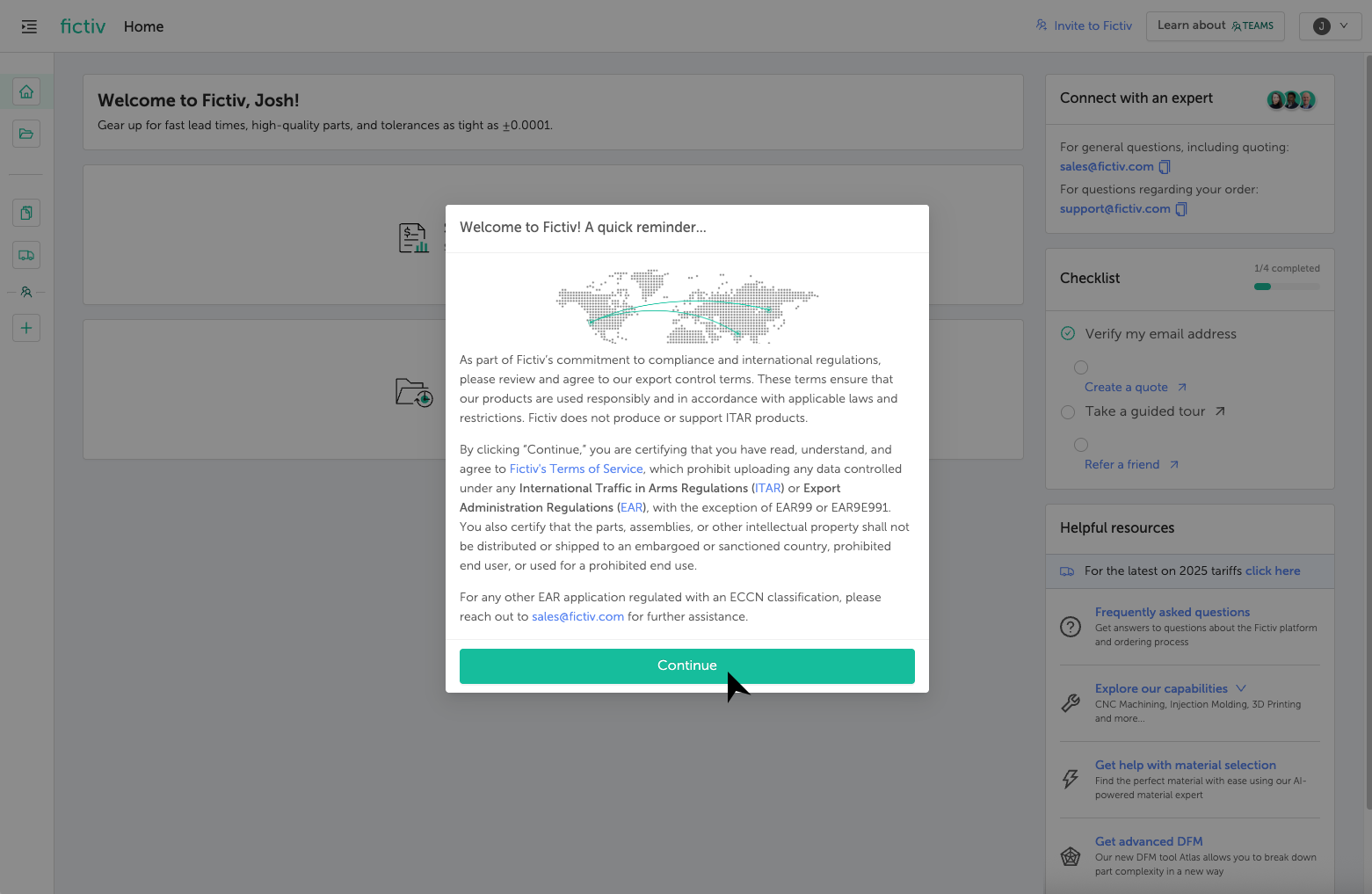
Fictiv does not support ITAR-controlled parts, technical data, or services.
- ITAR-controlled files may not be uploaded to the Fictiv platform.
- If ITAR language is detected in a drawing, the quote and associated files will be automatically deleted.
- If ITAR is selected during classification, the quote will be deleted and the data removed from Fictiv systems.
⚠️ All Other EAR/ECCN-Controlled Projects
If your project is governed by the EAR and falls under an ECCN other than EAR99 or 9E991, Fictiv can likely support these projects, but they cannot be initiated through Fictiv’s self-service platform.
These projects must be:
- Initiated off-platform
- Submitted through the Export-Controlled Project Request Form on or off platform
- Reviewed by Fictiv Sales and Compliance before any files are uploaded to Fictiv’s FedRAMP-compliant file storage system
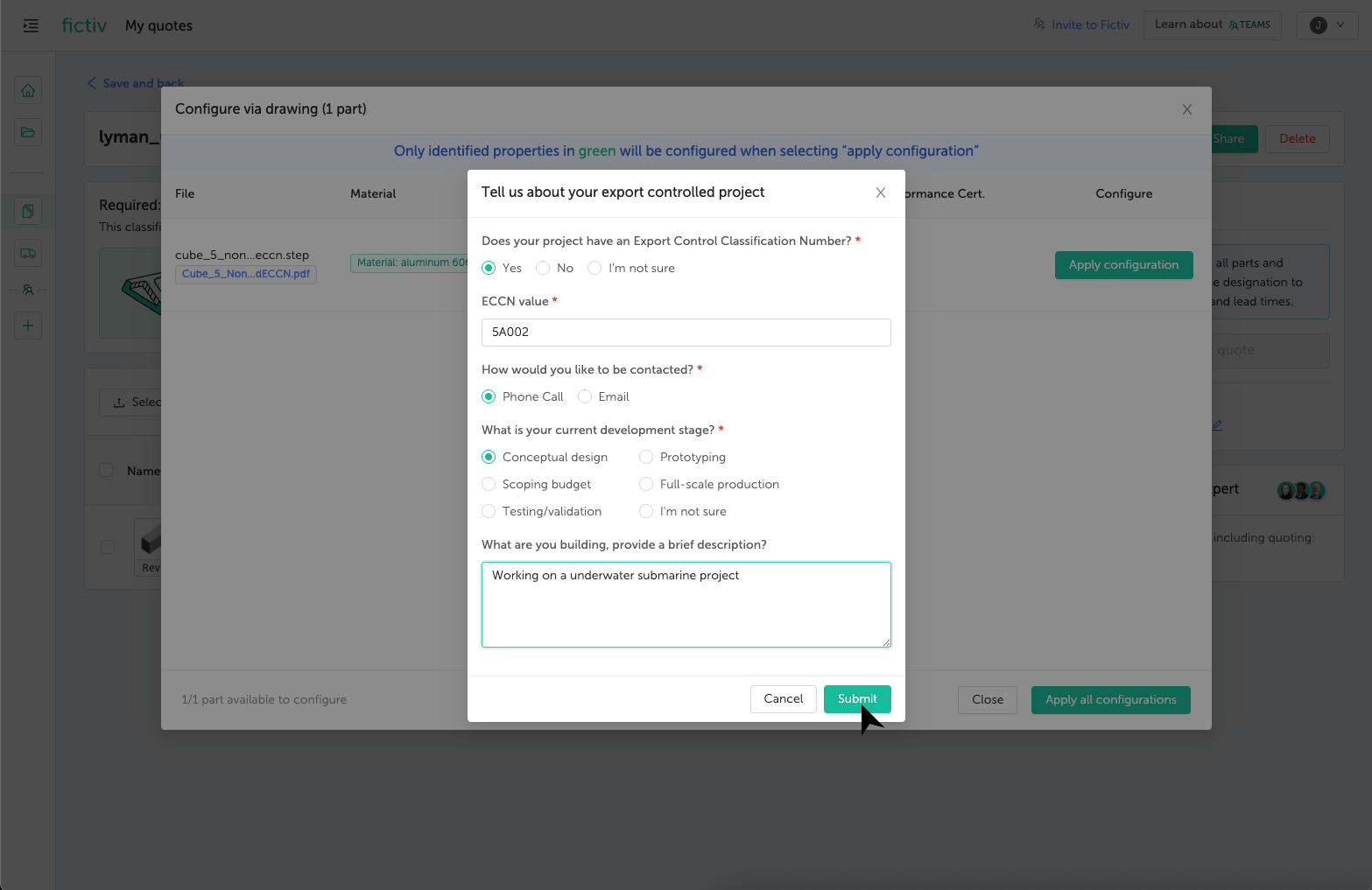
Examples may include (but are not limited to):
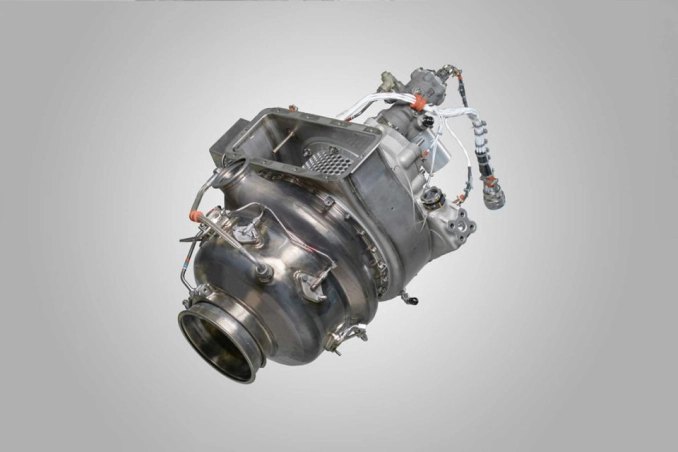
- Aerospace and propulsion components
- Commercial spacecraft-related hardware (e.g., 9A515)
- Avionics, navigation, or sensor systems
- Certain electronics, materials, or manufacturing technologies
When to Use the Export-Controlled Project Request Form
You can find the Export Control Project Request Form on our Contact Page.
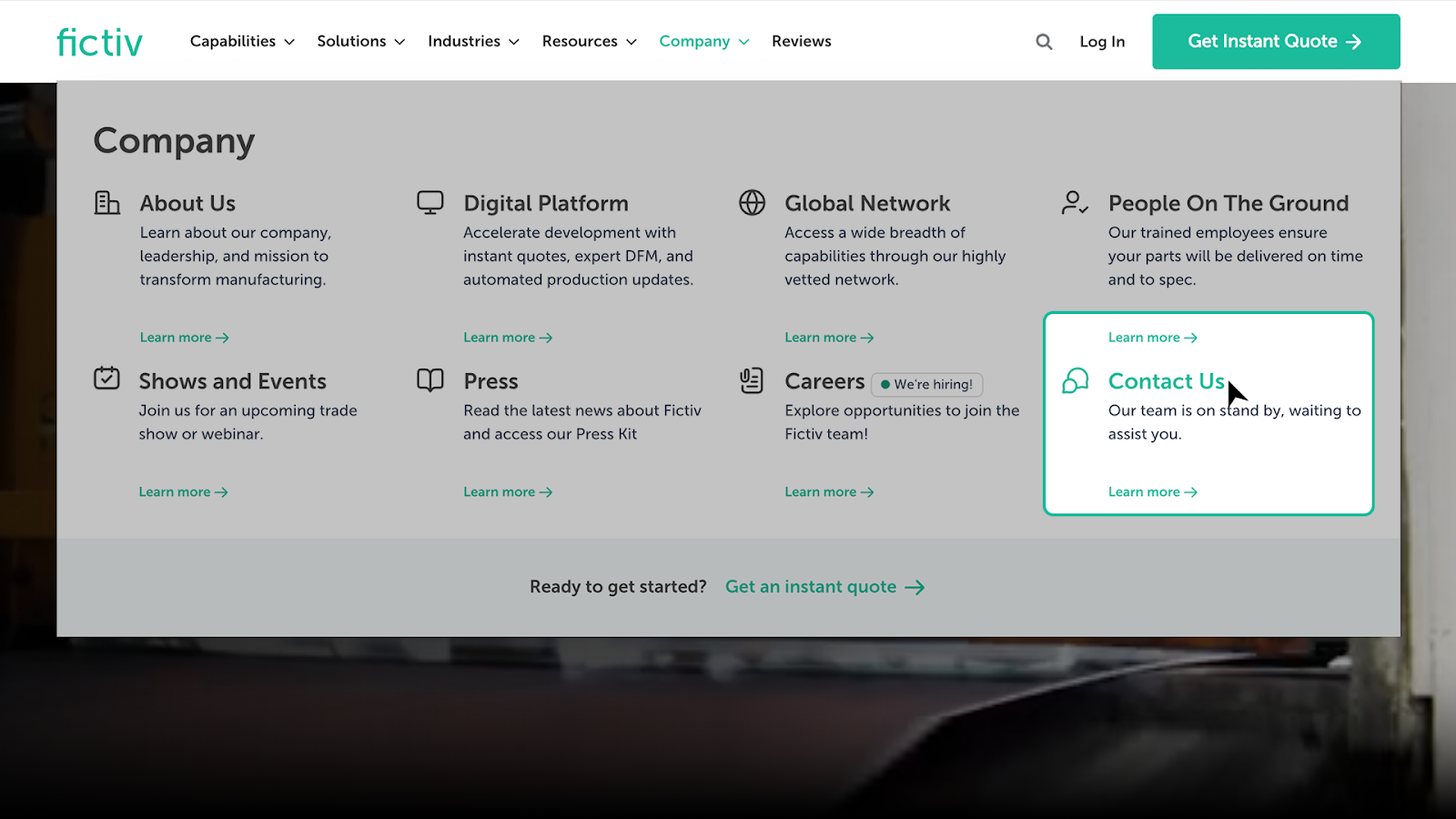
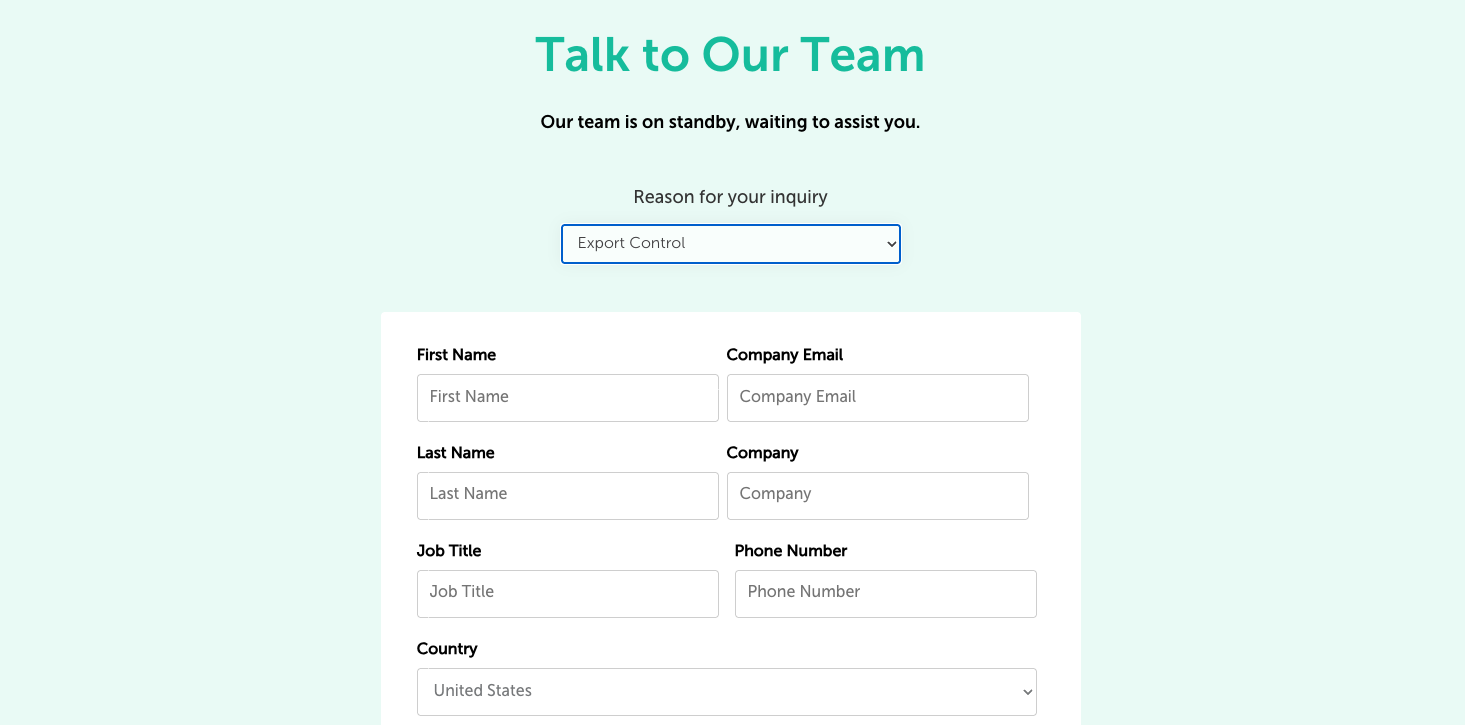
You must use the Export-Controlled Project Request Form if any of the following apply:
- Your project has an ECCN classification (other than EAR99 or 9E991)
- Your program relates to controlled aerospace, defense-adjacent, or advanced technology applications
- You are unsure whether your classification is supported
Do not upload controlled technical data, drawings, or files unless explicitly instructed by a Fictiv representative.
What to Include in Your Request
When completing the Export-Controlled Project Request Form, be prepared to provide:
- Company and contact information
- Export classification (ECCN, if known)
- High-level part or program details
- Current development stage of your project
Providing complete and accurate information allows our Sales and Compliance teams to evaluate whether the project can be supported.
What Happens After You Submit
After submission:
- Your request is routed to the appropriate Fictiv Sales and Compliance teams.
- We review the information to determine whether the project can be supported within regulatory requirements.
- A Fictiv representative will follow up with next steps or additional questions.
Submitting this form does not guarantee project acceptance, but it ensures your request is evaluated in a compliant, secure, and timely manner.
Platform Safeguards & Automatic Detection
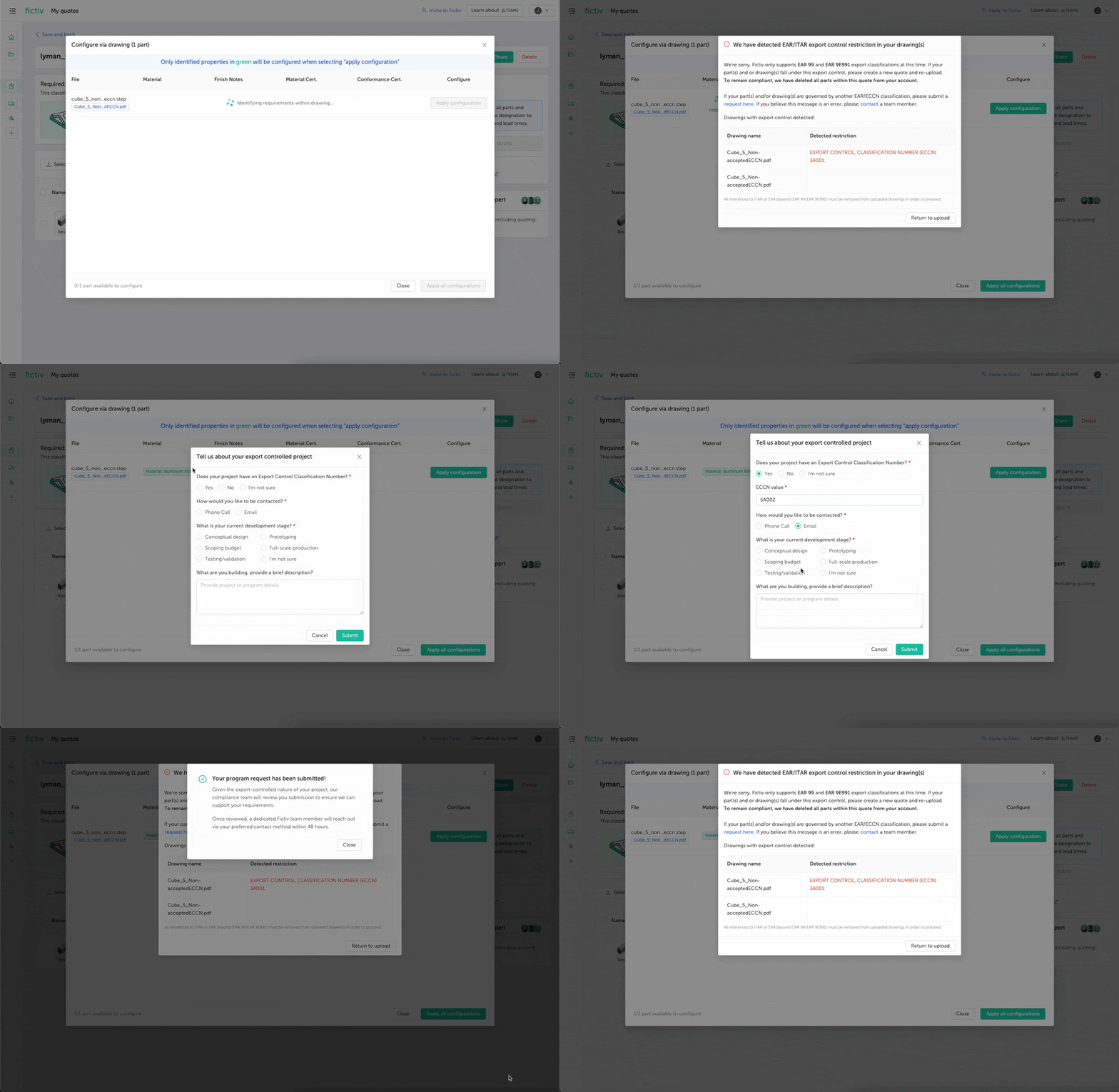
To prevent accidental export violations:
- Users may be required to confirm export classification during file upload.
- Fictiv utilizes automated detection technology to identify export-control language in technical drawings.
- If ITAR or unsupported ECCN classifications are detected, quotes and associated data may be automatically deleted from Fictiv systems.
If you believe a detection was a false positive, contact your Fictiv account representative.
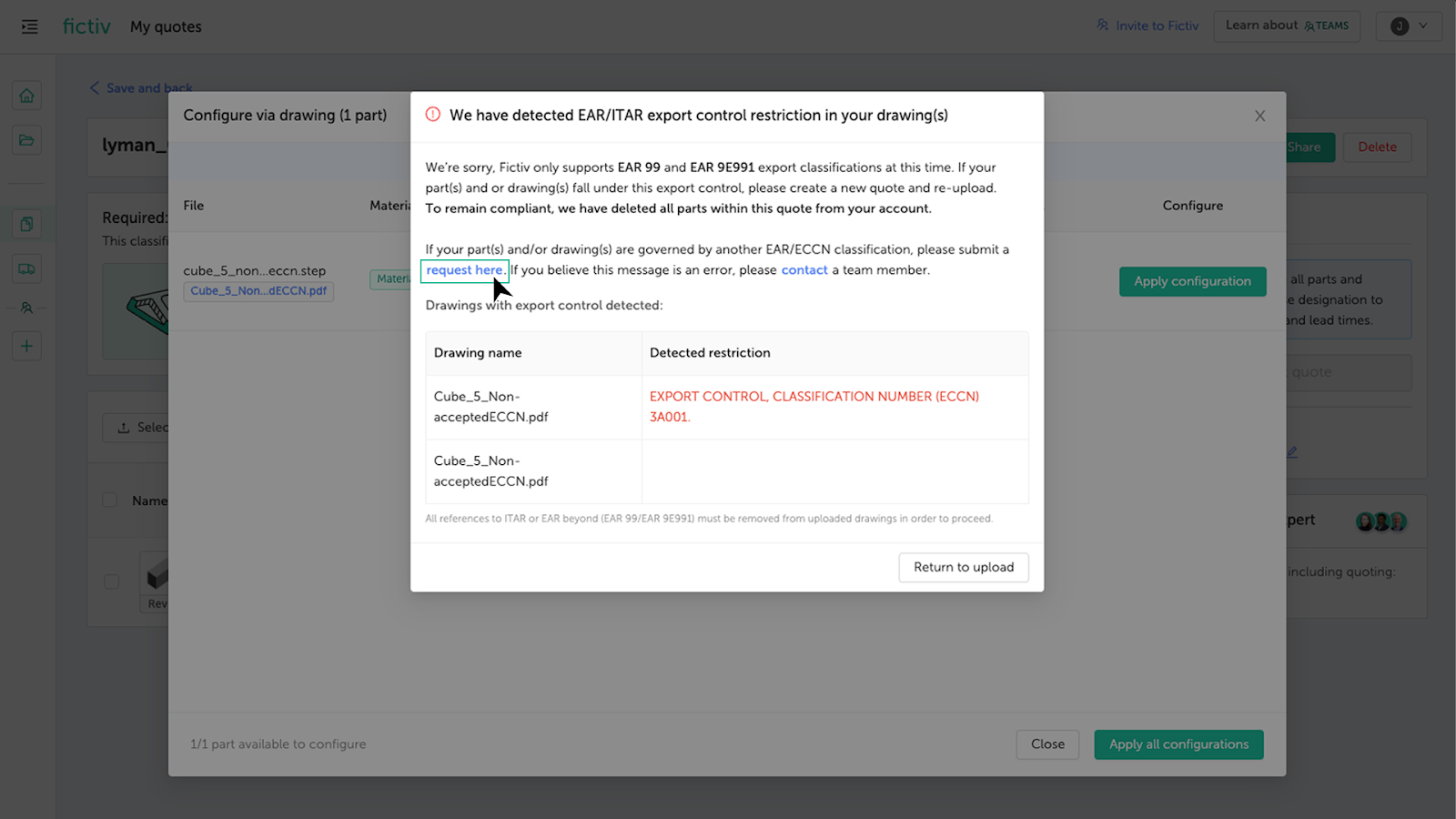
If you accidentally upload export-controlled data, delete the quote immediately and notify your sales representative or customer support to ensure removal.
If You’re Unsure About Classification
Customers are responsible for determining export classifications. Fictiv does not act as the exporter of record or classification authority.
If you are uncertain whether your project is:
- EAR99
- EAR 9E991
- ECCN-controlled
- ITAR-controlled
Contact your Fictiv sales representative before uploading any files.