





Time to read: 11 min
Chefs create recipes. Hardware engineers create BOMs and SOPs.
The bill of materials (BOM) acts as your product’s ingredient list—accounting for every part, material, and component—while standard operating procedures (SOP) are step-by-step build instructions.
In this article, we’ll explain how to build a BOM that will help you clearly communicate your product’s material specifications to your manufacturing partner, with best practices and cost reduction strategies.
What Is a Bill of Materials (BOM)?
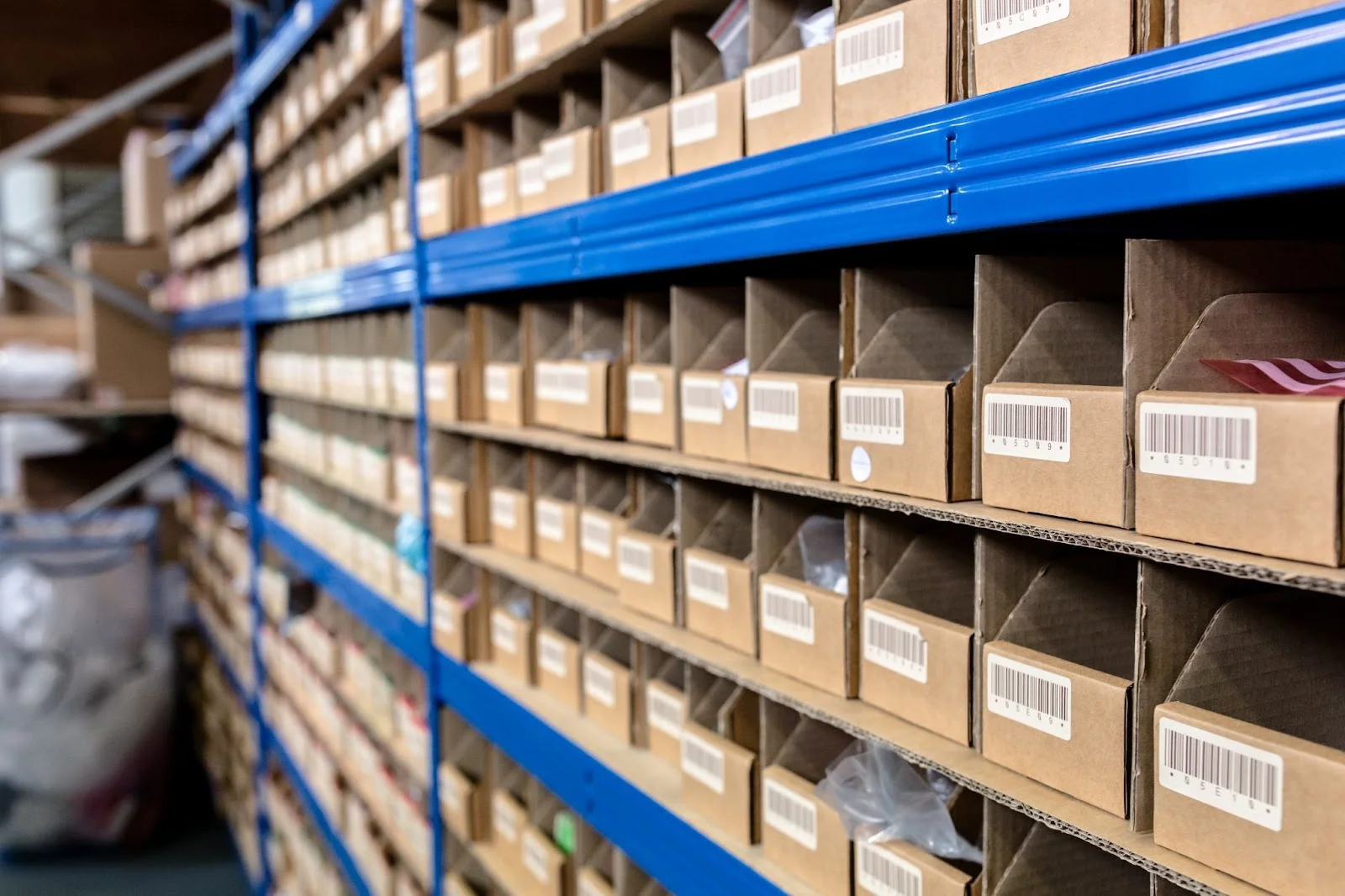
A bill of materials (BOM) is a hierarchical, detailed listing of all parts, raw materials, sub-assemblies, and components required to build a product. It defines part numbers, quantities, sourcing details, and cost drivers, serving as the single source of truth between engineering, procurement, and manufacturing. By clearly documenting what is needed to produce a finished assembly, the BOM aligns teams across functions and ensures that design intent translates accurately into production.
More than just a parts list, a well-structured BOM becomes the operational backbone of your product. It not only ensures accurate and consistent manufacturing but also directly impacts product cost, supply chain stability, and long-term scalability. When built thoughtfully, a BOM reduces waste, improves sourcing decisions, and provides early visibility into cost drivers long before production begins.
The Key Elements of an Effective BOM
An effective BOM doesn’t have to be generated by sophisticated software. As long as it’s carefully organized, your BOM can be as simple as a basic spreadsheet.
A well-structured BOM should include the following key elements:
- BOM Revision Level – Ensures proper change control and traceability.
- Internal and Manufacturer Part Number – Provides unique identification for both internal tracking and supplier alignment.
- Part Names and Descriptions – Clearly defines what the component is and any critical specifications.
- Procurement Type (Make vs. Buy) – Identifies whether the part is manufactured in-house or sourced externally.
- Quantity per Assembly – Specifies how many units are required to build one finished product.
- Unit of Measure – Defines how quantity is tracked (e.g., pieces, meters, kilograms).
- Supplier – Lists the approved vendor or sourcing partner.
- Unit Cost – Enables cost rollups and margin analysis.
- Lifecycle Status: Identifying EOL (end-of-life) risks early prevents redesigns later.
- Notes – Captures special instructions, alternates, or contextual details.
BOMs are usually broken up into several categories, according to engineering areas of responsibility (AoRs). Mechanical engineers (MEs) and electrical engineers (EEs)each make their own component lists during development, from which the pre-production BOM is assembled.
Categorization makes it easy for you, your colleagues, and vendors to find what they need in your BOM. For example, the printed circuit board assembly (PCBA) manufacturer only cares about the PCBs and components that must be surface-mounted to the boards, while details like packaging components usually don’t need to be procured for the early proto-builds.
Here’s an example of the typical categories and components of a consumer hardware product’s BOM; if this BOM were built in an Excel spreadsheet, each category would be its own tab.
| Department Commonly Responsible (AoR) | BOM Category | Examples of BOM Items |
| ME | Custom Manufactured Parts (Made-to-Spec) |
|
| ME | Purchased Parts (Off-the-Shelf) |
|
| EE | PCB(s) |
|
| EE | PCBA Components |
|
| ME/Marketing | Packaging (Labels, Boxes) and Information |
|
BOM Example Contents for a Consumer Electronics Product
Within each category, you can further organize your BOM by cost. Electronic component manufacturers typically charge a margin on all components they source for you. However, the cost to source expensive (chips) and low-priced components (screws) is not that different, and you can negotiate with the manufacturer for a lower margin on higher-priced items over a certain threshold.
Best Practices for Building a Bill of Materials
Here are a few best practices to consider as you’re building your BOM:
Define a Part Number Scheme Before Building Your BOM
It’s standard practice for each part to have a unique corresponding part number. In your BOM, the part number is the primary identifier, with a secondary text description to make it easier for humans to read. Regardless of what scheme you choose, it’s critical to keep a master part list, even if it’s just another spreadsheet.
There are different schools of thought on part numbering systems:
Sequential Part Numbering
The simplest approach uses a purely sequential system where the part number doesn’t provide any added information about the part. For example, a screw and a resistor entered into the system adjacent to each other will be parts 001514 and 001515. This has the advantage of being lightweight in implementation, but lacks human-readability. If you opt to use this approach in your manufacturing BOM, consider using part numbers optimized for humans as well—this can help mistake-proof your manufactured assemblies down the line.
Intelligent Numbering (Denoting the Type of Part)
A different approach is to use an intelligent system in which the part number denotes what type of part it is. For example, a screw may be part SCRW1014, and a resistor will be RES2208. This is more easily digestible for humans, but as the types of parts in your master part library increase, you’ll need to make new categories and define new rules (see example P/N designation for a super simple BOM in the image below).

Document Control Your BOM
A BOM is a living document throughout a product’s development and production. Whenever a change is made to a part or component, the BOM will need to be updated, which creates a new version of the document.
An easy way to do this is to add a tab named “revision history” to your spreadsheet BOM. Each time you update the BOM, simply save it as a new file, insert a new line to the top of the “revision history” tab, update the version number, and describe briefly what changed. For example:
| Rev Number | Date of Revision | Revision Detail |
| 1 | 4/23/2022 | Removed Part PCBA-37925 |
| 2 | 7/23/2022 | Replaced Part SCW-80021 with Part SCW-93206; Added Part PKG-12459 |
Example Revision History for a Hardware BOM
Before pre-production builds, make sure your engineering team reviews the latest BOM together. Then lock down this version for the build and communicate the latest version number to the manufacturing partner.
Pro-tip: If you would like further instruction on BOM building, check out our webinar on How to Format Your Bill of Materials.
Use Engineering Software to Build a BOM
To save time when you first build a BOM, make use of software features you may already be using for development. Most MCAD software programs have a BOM export feature for assemblies.
Pro-tip: Check out this help center article for building a BOM in SOLIDWORKS.
For EEs, Altium has BOM generation features. Building a parts library in Altium can be a heavy lift, but a tool like Arena can help make this process easier—importing part attributes from components on Digikey, Mouser, and many other sites.
To further streamline the process, consider using engineering software to build a BOM template. Add a company logo for easy identification, then share the template within your organization so your BOMs are standardized.
At a minimum, your BOM template should include identification, revision control, sourcing information, and quantity details. More mature organizations often expand their BOMs to include cost, lead time, lifecycle status, and approved vendor information to support procurement and production planning.
Implement PLM When You’re Ready
Keeping track of BOM spreadsheets is bearable with one product, but when you have multiple products, it can quickly spiral into a headache. A product life management (PLM) system acts as a BOM, a master parts list, and a process management tool—all in one. We’ve had a good experience with Arena PLM, and Autodesk Fusion Manage PLM is a nice-looking contender, too.
How BOM Costs Work And Why They Matter
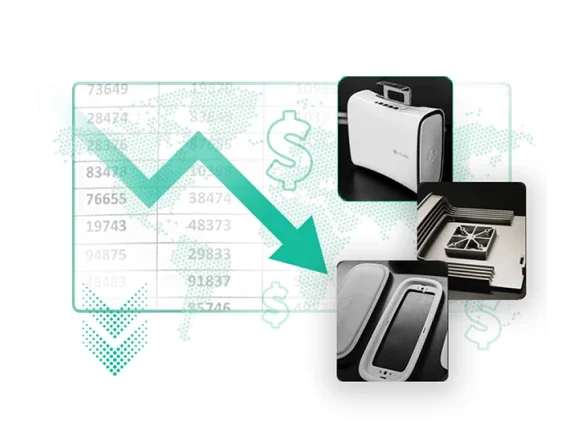
BOM cost is often the largest determinant of total manufacturing cost, with as much as 60–70% of final product expenses coming from what’s in your bill of materials.
Understanding BOM cost helps you:
- Set realistic pricing and gross margins
- Reduce overstocking/under-ordering
- Improve inventory planning
- Negotiate better supplier terms
Key components of BOM cost:
| Cost Type | What It Includes |
| Direct Material | Raw parts, assemblies |
| Supplier Costs | Pricing, lead times, MOQ effects |
| Labor & Overhead | Assembly labor, indirect manufacturing expenses |
| Logistics | Shipping, tariffs, handling |
A thorough cost picture helps nail down expenses and unlock savings long before production begins.
Strategies to Reduce Your BOM Cost
Cost optimization relies on balanced sourcing, optimized engineering, and strategic supplier relationships—not just choosing the least expensive components. Here’s what works:
Audit Your BOM Early
Auditing your BOM early helps identify high-cost components that disproportionately affect total spend. These parts often offer the greatest opportunity for redesign, standardization, or supplier negotiation.
Standardize Components Across Products
Standardizing components across product lines is another effective strategy to cut costs. Reusing common parts increases purchasing volume, strengthens negotiating leverage, and simplifies inventory management. Over time, this consolidated approach reduces operational complexity and supply chain risk.
Leverage Value Engineering and Simplified Design
Value engineering allows teams to be strategic about manufacturing costs. Evaluating whether alternative materials or components deliver equivalent performance at a lower price point can reduce spend without sacrificing quality. Similarly, simplifying a design by reducing part count or eliminating unnecessary complexity can lower manufacturing, assembly, and maintenance costs
Negotiate Strategic Supplier Terms
Strong relationships with suppliers can lead to better pricing, faster lead times, and lower logistics expenses.
Why an Organized BOM is a Strategic Asset
Your BOM is the financial DNA of your product. Every part you include—whether sourced via Fictiv, MISUMI, or another supplier—affects production cost, lead times, quality, and long-term business viability.
By building your BOM with discipline, visibility, and strategic sourcing partners:
- You reduce unnecessary spending
- You shorten timelines
- You improve manufacturability and reliability
- You gain negotiation leverage with suppliers
BOM management isn’t a one-time activity. It’s a continuous, strategic process that significantly impacts product success and profitability.
How Custom and Standard Components Fit Into Your BOM
Most products rely on a mix of custom and standard components. Understanding where each makes sense is key to building a cost-effective and scalable Bill of Materials.
Custom Manufactured Components
Custom components are often necessary for differentiated features, complex geometries, or tightly integrated assemblies. In these cases, early visibility into pricing, lead times, and manufacturability can significantly influence design decisions.
Digital manufacturing platforms like Fictiv help teams evaluate custom parts quickly by providing CAD-based quoting, Design for Manufacturability (DFM) feedback, and part-level revision tracking with Parts Library. This allows engineers to iterate with cost and production constraints in mind—rather than discovering issues later in the sourcing process.
Standard/Off-the-shelf Components
At the same time, many assemblies include components that do not require custom design. Fasteners, linear motion components, brackets, sensors, and other mechanical elements are often available as standard or configurable catalog parts.
Leveraging suppliers such as MISUMI for these components can reduce engineering effort, shorten lead times, and eliminate unnecessary custom machining. Selecting standardized parts where differentiation is not required simplifies procurement and helps control overall BOM cost.
Building a Balanced BOM Strategy
A thoughtful BOM strategy intentionally balances both approaches. Custom parts should focus on delivering product value and performance advantages, while standard components reduce complexity and improve supply chain efficiency.
By integrating custom manufacturing insights and standardized sourcing decisions early in development, teams can improve cost predictability and avoid late-stage redesigns.
Get started with Fictiv to bring cost visibility into your BOM early in development.